
- Unlimited Flashcards and Quizzes
- Export to Google Forms & file uploads
- Quizzes, MCQ, surveys, assessments & more
- Perfect for Students, Instructors & General use
One payment. No subscription, no renewal.
Create quizzes, google forms and flashcards with ChatGPT as a teacher or instructor. Manage, share lessons, and track student progress.
The Classroom Plan extends these capabilities to entire classes. With one purchase, teachers can give premium access to up to 50 students and manage all study activity in one place.
The MyQuizGPT Classroom Plan allows teachers to create live quizzes with ChatGPT and share them instantly with up to 50 students using a single classroom group.
Students join through one invite link and automatically get premium access, so they can save, practice, and revisit every quiz without limits.
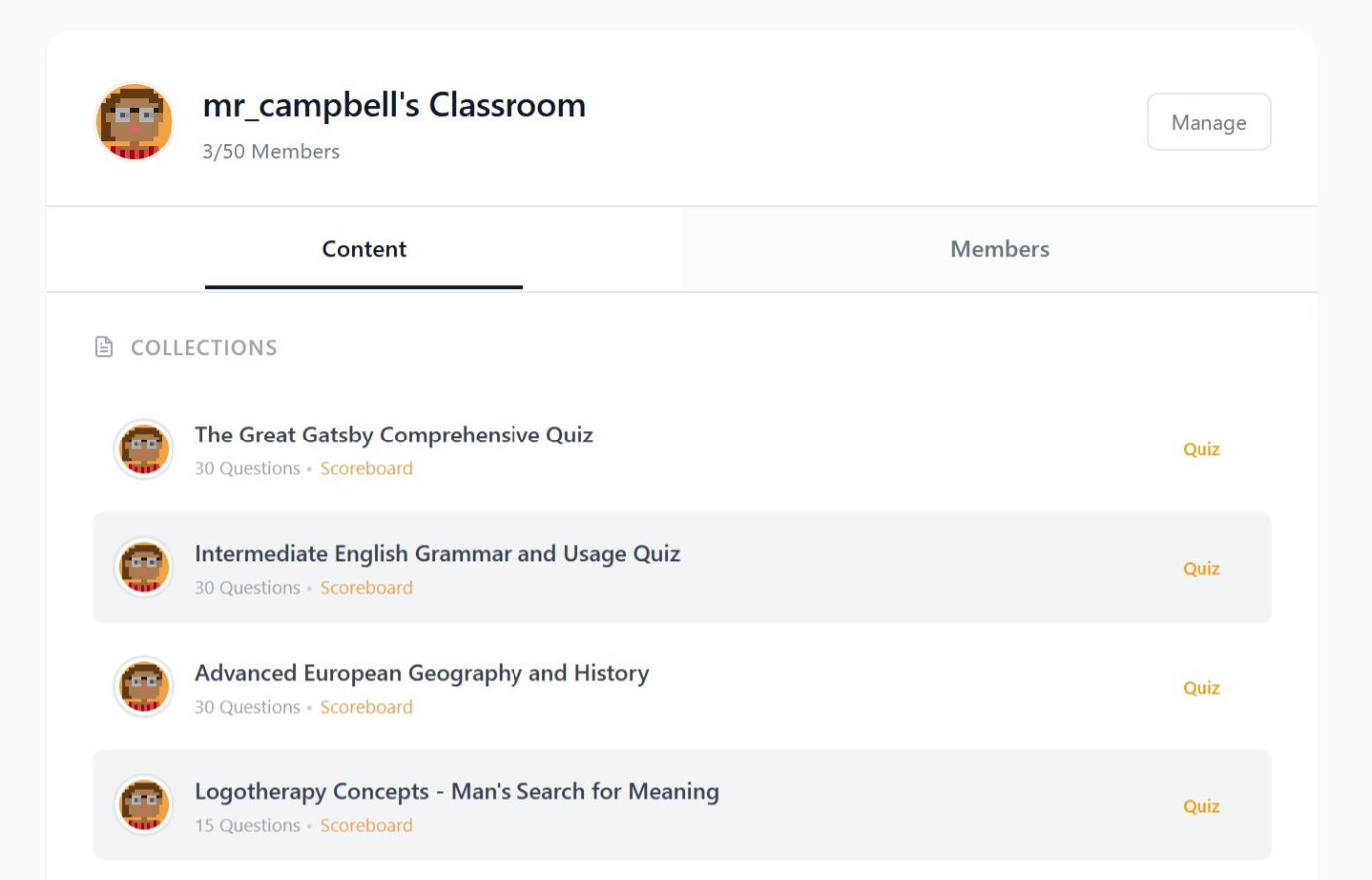
Teachers can view all students, see the quizzes they create, and manage membership easily.
Setting up is straightforward:
When students click the link, they join your group instantly and their account switches to premium mode. No sign-up friction, no manual approvals.
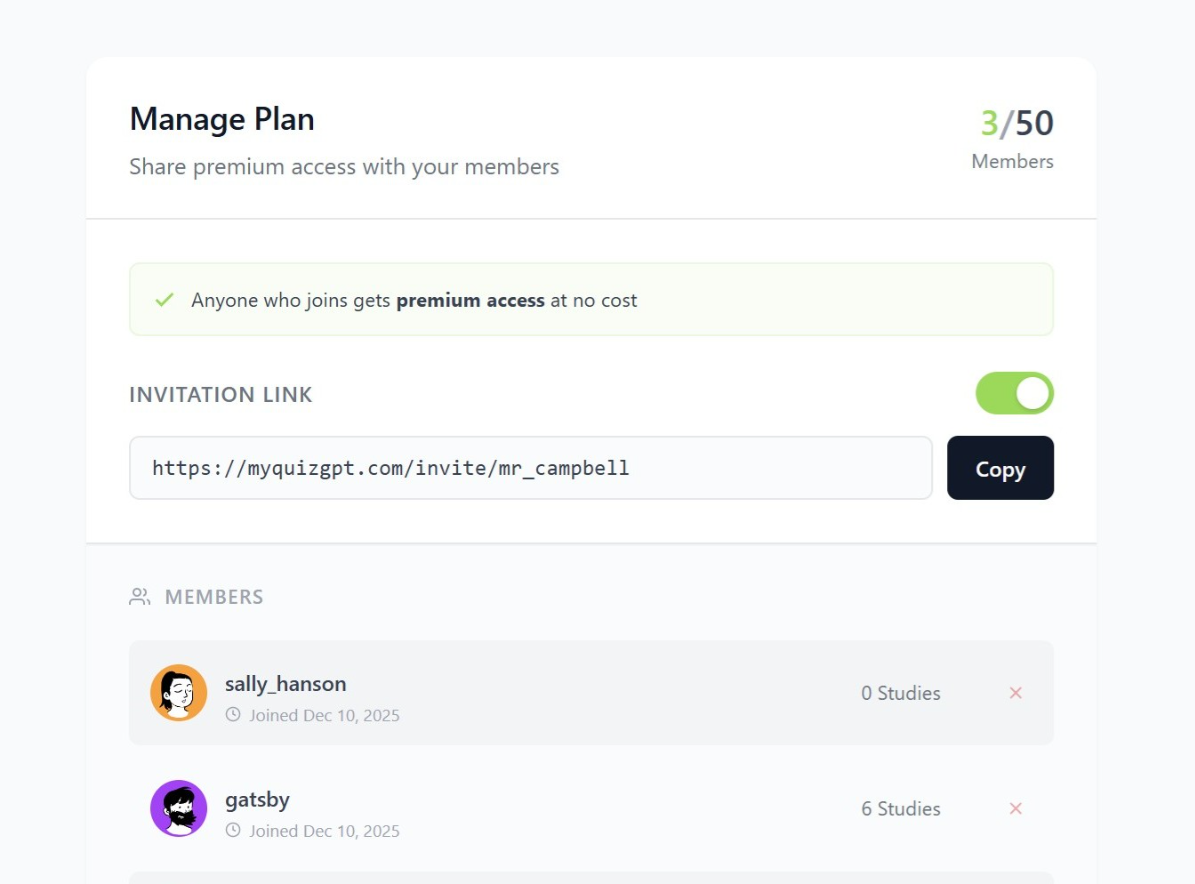
Every teacher receives a unique invite link, for example:
Anyone who clicks this link sees a page showing your name and your group. With one click, they join and receive premium features.
You can:
This makes onboarding extremely simple, especially for large classes or blended learning environments.
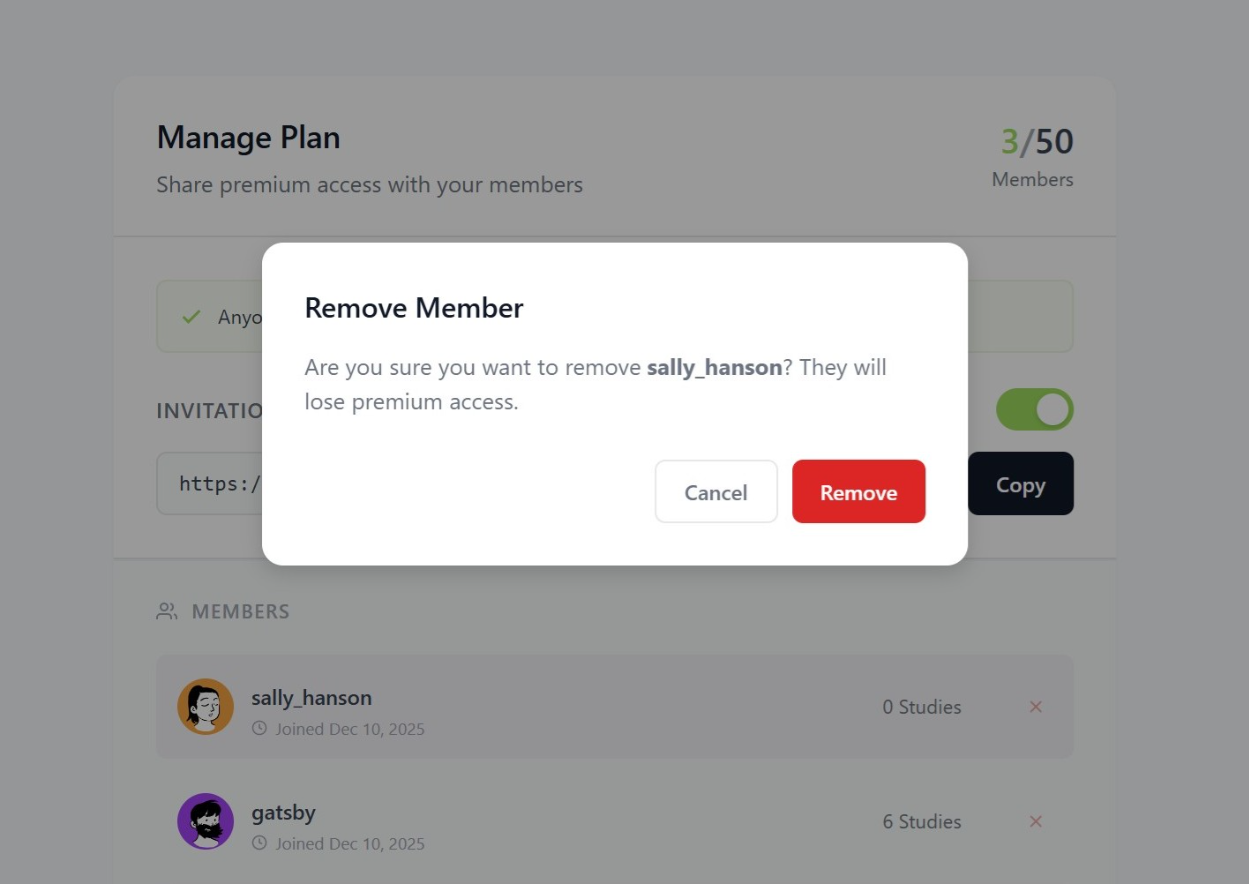
Once students join, they appear in your member list, where you can:
You can also view all the quizzes and flashcards your class has created. This gives teachers visibility into how students are using AI for studying and what topics they are reviewing.
MyQuizGPT is designed to make content creation fast. Teachers typically use it in one of two ways:
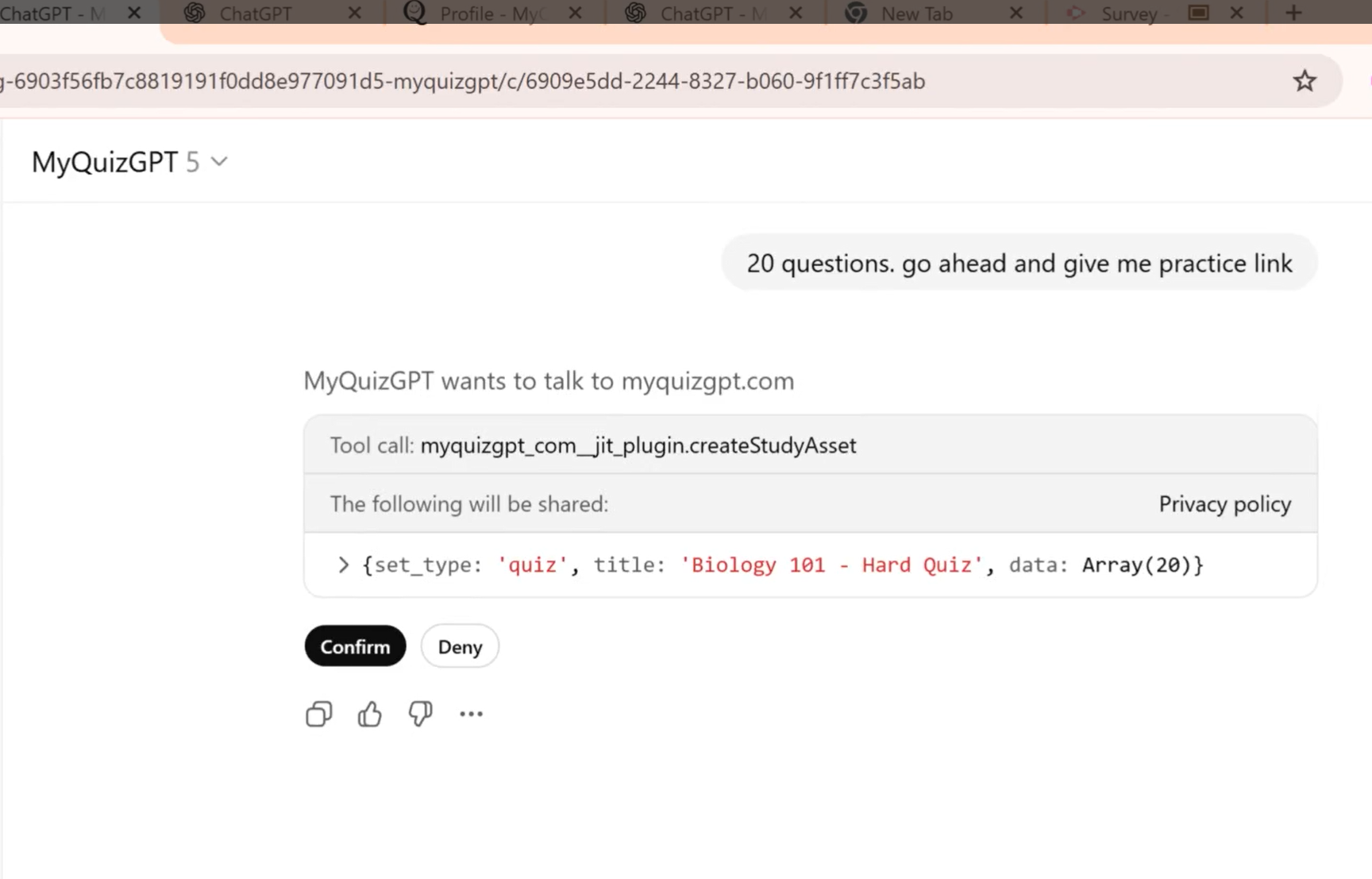
Teachers can ask ChatGPT to create a quiz or flashcards on any topic:
ChatGPT generates structured questions, and MyQuizGPT returns a live interactive link. Teachers can share these links with the entire class instantly.
Teachers can also upload:
MyQuizGPT will convert them into quizzes or flashcards automatically.
Need it on paper instead? Any quiz can be printed as a multiple choice worksheet with answer bubbles and an optional answer key. To keep the lesson conversation itself, see how to print an entire ChatGPT chat — Ctrl+P alone only captures the part of the thread that has loaded.
This is especially useful for unit reviews, test prep, or converting teaching materials into reusable study resources.
For advanced users or when ChatGPT action is unavailable, you can create quizzes directly using JSON format:
This method takes about 10 seconds and works as a reliable fallback when the ChatGPT integration is unavailable.
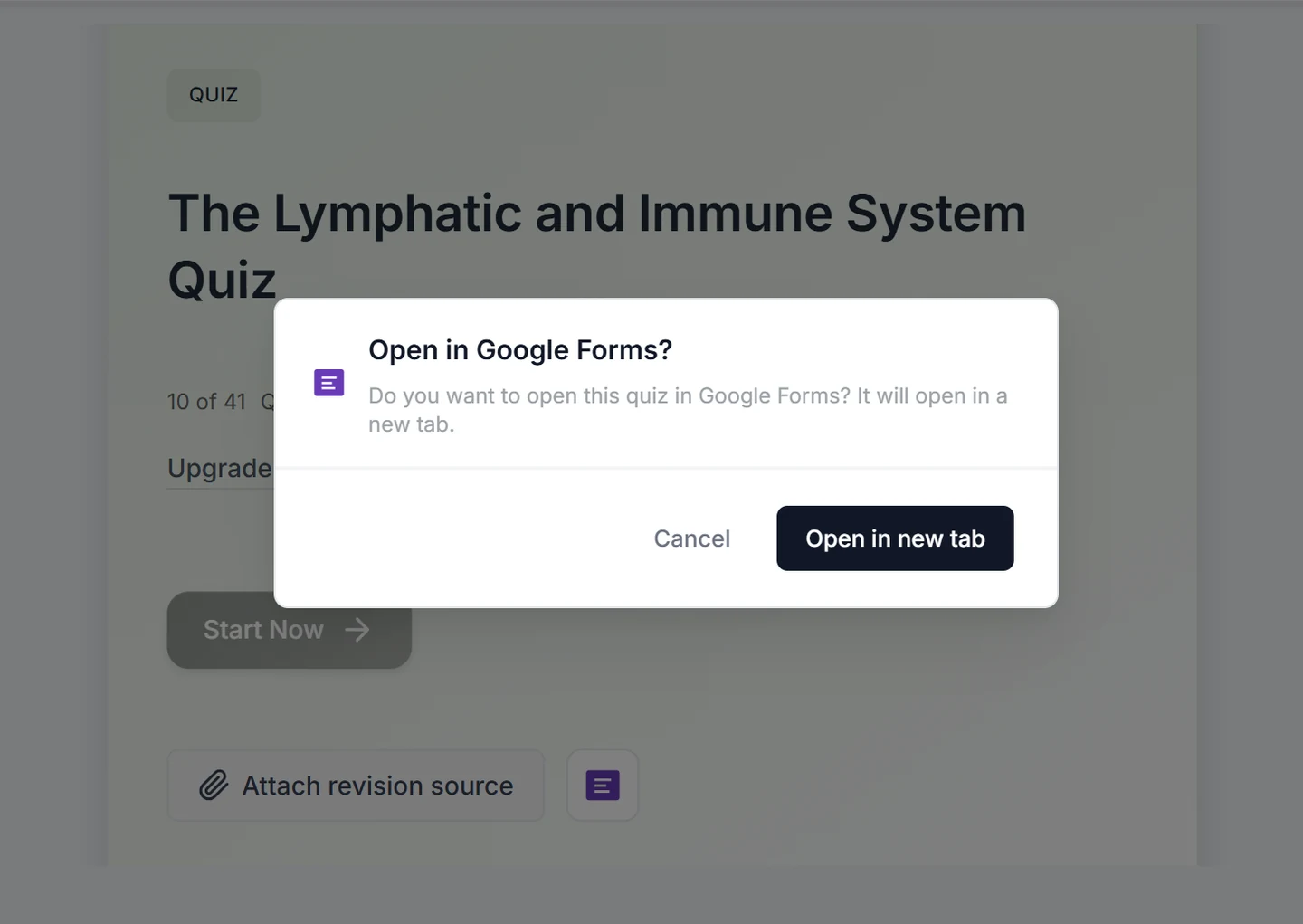
Building a Google Form by hand means retyping every prompt, fixing formatting, and juggling tabs between your notes and Forms. MyQuizGPT turns that into one workflow: you can use ChatGPT Quiz Maker to create accessments, then push the same structured questions into a real Google Form in your Drive—without rebuilding the quiz line by line.
How it saves time: You build the quiz once in ChatGPT, connect Google a single time, and sync straight to Forms and Sheets instead of retyping or copying questions by hand.
Typical flow:
For more detail on limits, permissions, and tips, see GPT for Google Forms, Can ChatGPT create Google Forms?, and Google Forms without copy-paste.
To hand a chat itself to a colleague or keep it for your records, ChatGPT to PDF Ultra Exporter saves the whole thread as a PDF or Word document in one click, with tables and equations intact.
Get the Classroom Plan and give premium access to up to 50 students with one purchase.
View Classroom Plan Pricing →