
- Unlimited Flashcards and Quizzes
- Export to Google Forms & file uploads
- Quizzes, MCQ, surveys, assessments & more
- Perfect for Students, Instructors & General use
One payment. No subscription, no renewal.
Export a ChatGPT conversation as a real .md file — headings, tables, code fences and all — then take it into Obsidian, Notion, GitHub or Word. One click, no copy-paste cleanup.
Free to start · the file is built in your browser.
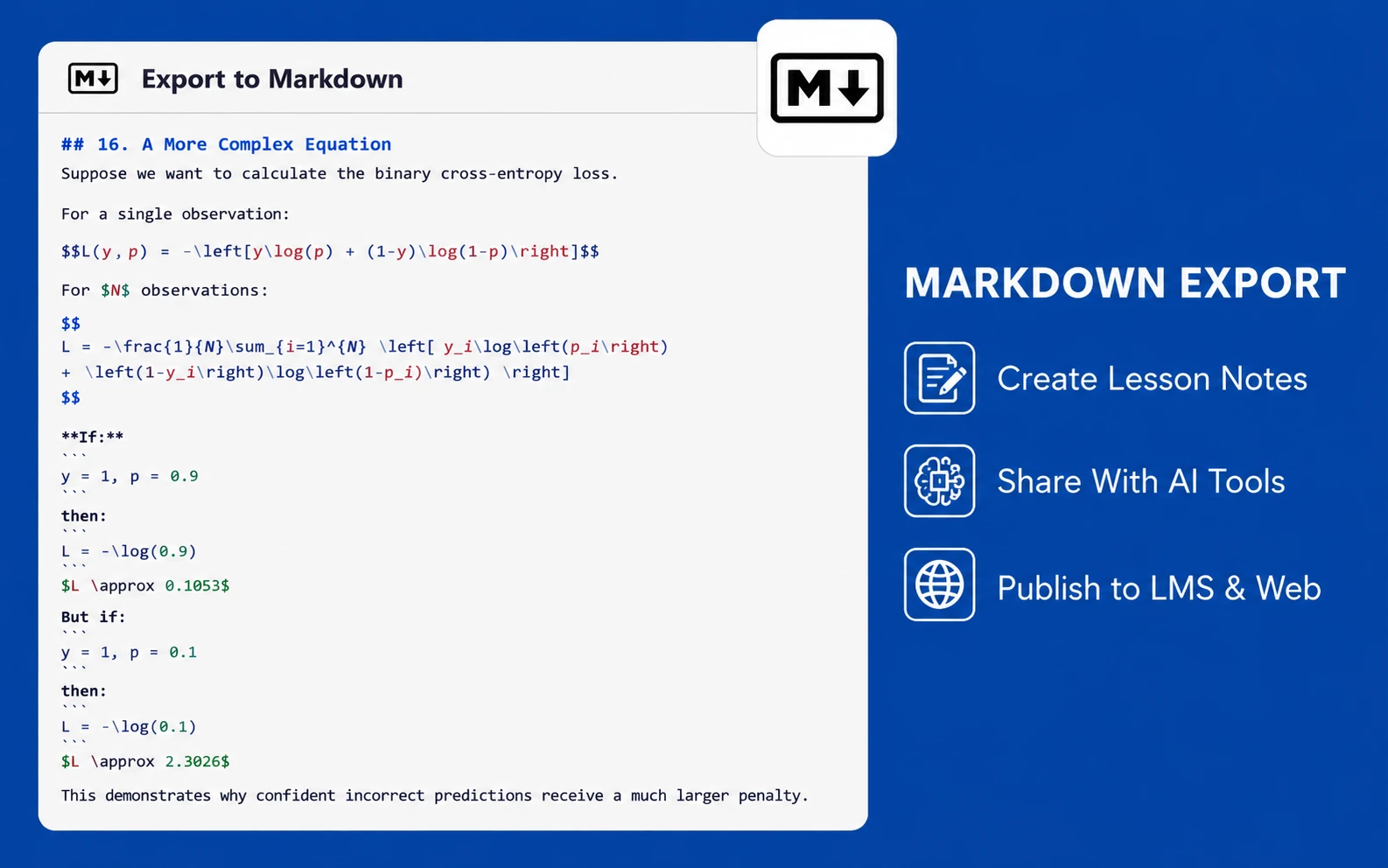
ChatGPT writes in Markdown and then renders it away. Select a reply and copy it and you get the rendered result — bold text with no asterisks, a table that's really just tab-separated lines, code with a grey background baked in. Exporting hands you the source instead: the file ChatGPT was working from all along.
Comparison of formats
Format  Editable  Keeps tables
PDF No  Yes
Markdown    Yes Yes

def total(rows):
    return sum(r.value for r in rows)
## Comparison of formats

| Format   | Editable | Keeps tables |
| -------- | -------- | ------------ |
| PDF      | No       | Yes          |
| Markdown | Yes      | Yes          |

```python
def total(rows):
    return sum(r.value for r in rows)
```
Add ChatGPT to PDF Ultra Exporter from the Chrome Web Store, then refresh ChatGPT.
Or pick individual replies with Select messages.
The Markdown icon sits in the Ultra Exporter toolbar at the top right.
A .md file, ready to open anywhere.
Obsidian vault, Notion import, repo, or into Word.
Markdown is the useful intermediate step, not always the destination. Two routes work well, depending on whether you want to click or to script.
pandoc chat.md -o chat.docx converts the file directly, and takes a --reference-doc if you have house styles.There's no one-click .docx export in the extension yet. More on getting ChatGPT into Word.
The click-free route
chat.md → pandoc → chat.docx
CommonMark with GitHub-style tables and fenced code blocks — no proprietary dialect to convert out of.
Drop the file straight into a vault. Wiki links and tags you add later work as normal.
Import as a page and the headings become a proper outline instead of one wall of text.
Commit it as a README or a docs page — code fences keep their language for highlighting.
Via Pandoc, or by pasting from the exported HTML — formatting survives either way.
.md file downloads with the whole conversation — headings, tables and code blocks intact.pandoc chat.md -o chat.docx does it in one command.Real Markdown source — ready for Obsidian, Notion, GitHub or Word.
Free to start · exports run in your browser.