
- Unlimited Flashcards and Quizzes
- Export to Google Forms & file uploads
- Quizzes, MCQ, surveys, assessments & more
- Perfect for Students, Instructors & General use
One payment. No subscription, no renewal.
Save any ChatGPT conversation as a clean, readable file in one click. The whole chat, a single reply, or just the messages you pick — with tables, code, equations and images intact.
Free to start · files are built in your browser.
Copy-paste loses your tables. Screenshots aren't searchable. And Ctrl+P only prints the part of the chat that happens to be loaded — which on a long conversation is a fraction of it. This extension puts a small toolbar at the top of ChatGPT: click PDF or MD and the conversation downloads properly formatted. If you only want to print it, here's how to print an entire chat.
No copy-paste, no scrolling to the top first.
Add ChatGPT to PDF Ultra Exporter from the Chrome Web Store, then refresh ChatGPT.
Any chat — long, short, with images or code.
The Ultra Exporter toolbar sits at the top right, beside Share.
Press Ctrl+P and choose Save as PDF.
Print it, file it, or paste the Markdown into Word.
ChatGPT uses a virtualised message list: messages are removed from the page as they scroll out of view. Every exporter that reads the page inherits that limit, which is why long chats come out with the middle missing.
Single messages and hand-picked selections still read the page directly, because for those it's the more faithful source.
What actually happens
Click PDF → Fetch whole chat → Build file
Copy a reply straight out of ChatGPT and Word inherits the whole mess: grey shaded backgrounds behind code, tables that arrive as run-together text, equations flattened into \frac{a}{b}.
The fix is to stop copying from the page. Export the message to Markdown or the HTML file, open that, and copy from there into Word.
The extension exports PDF and Markdown. A one-click Word file isn't built yet, and we'd rather say so than let you install and find out. The Markdown route above genuinely works, and it's a better result than the copy-paste most guides recommend.
The route that works
Export MD → Open file → Paste into Word
Most exports don't need the entire conversation.
One click in the toolbar. Every message, in order, however long the thread has grown.
PDF and MD buttons sit under every message. Handy when one answer is the keeper and the rest was working out.
Turn on Select messages and checkboxes appear beside each turn. Your ticks stay put while you scroll.
Real tables sized to the page, not columns clipped at the paper edge.
Long lines wrap instead of vanishing past the right edge of the block.
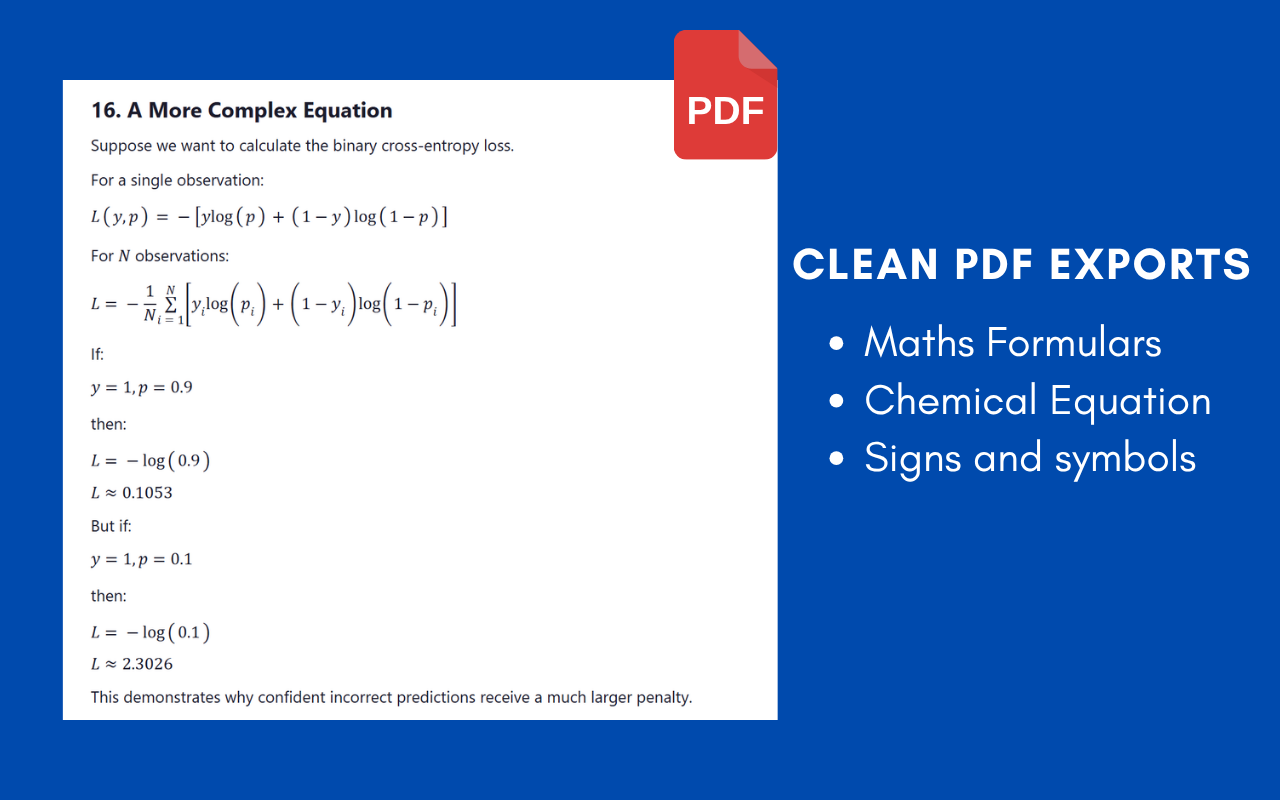
Equations stay equations rather than collapsing into raw LaTeX.
Embedded in the file, so they still open after ChatGPT's links expire.
PDF, Markdown, or straight into Word — with the whole thread included.
Free to start · exports run in your browser.