
- Unlimited Flashcards and Quizzes
- Export to Google Forms & file uploads
- Quizzes, MCQ, surveys, assessments & more
- Perfect for Students, Instructors & General use
One payment. No subscription, no renewal.
The ChatGPT exporter that doesn't lose half your conversation. Save any chat as a PDF or Markdown file in one click — the whole thread, a single reply, or just the messages you tick.
Free to start · Chrome, Edge & Brave · files built in your browser.
ChatGPT keeps only part of a long conversation loaded at a time. Every exporter that copies what's rendered inherits that limit — which is why long chats come out with the middle missing and the reviews all say the same thing. This one asks ChatGPT for the conversation directly, so what you get is the conversation, not the visible slice of it.
Add ChatGPT to PDF Ultra Exporter from the Chrome Web Store, then refresh ChatGPT.
The Ultra Exporter toolbar appears at the top right, beside Share.
PDF or Markdown — one click, no dialog to work through.
It downloads straight away, formatted and complete.
Export quizzes to worksheets, Google Forms or slides.
A clean, printable file. Open it and press Ctrl+P to save as PDF.
Real .md source for Obsidian, Notion, GitHub or Word.
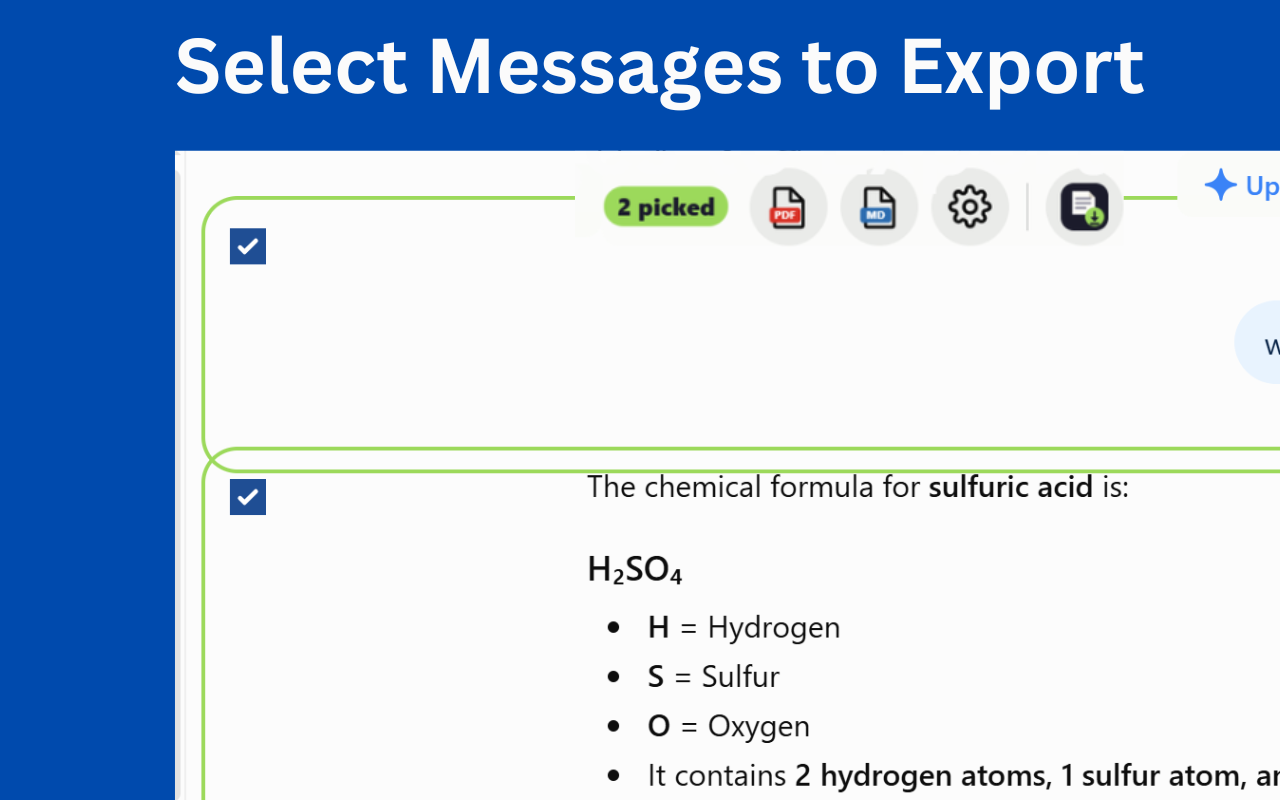
Tick individual replies, or export just one from the buttons under it.
Turn a ChatGPT quiz into a printable worksheet, Google Form, deck or CSV.
Ask ChatGPT for a quiz and it builds one on the canvas — where it stays. The extension adds an Export button to the quiz itself.
From canvas to classroom
ChatGPT quiz → Export → Worksheet or Form
Counts reset at midnight UTC.
One export a day. Nothing to sign up for — install and go.
Three a day, plus Google Forms and hosted study pages.
Unlimited exports and no watermark on your files.
.docx file yet. Export to Markdown or the HTML file and copy into Word — formatting survives, unlike copying from the ChatGPT page. The full method here.PDF and Markdown, whole conversations included — free to start.
Free on the Chrome Web Store.